If you’re using Flodesk for email marketing, there’s one important step that often gets overlooked: domain authentication.
It may sound technical, but authenticating your domain is one of the simplest ways to improve your email deliverability, protect your brand reputation, and help your newsletters actually land in inboxes instead of spam folders.
At Callan Group Communications, we always recommend setting up domain authentication before launching any major email marketing campaigns. Here’s why it matters and how to get it done.
What Does “Authenticating Your Domain” Mean?
Domain authentication is the process of verifying that your emails are legitimately being sent from your business domain.
For example, if your emails come from:
hello@yourbusiness.com
Authentication tells email providers like Gmail, Yahoo, and Outlook that:
- You own the domain
- You’ve authorized Flodesk to send emails on your behalf
- Your messages are trustworthy and not spoofed or fraudulent
Without authentication, email providers are more likely to flag your emails as suspicious.
Why Domain Authentication Matters
1. Better Email Deliverability
The biggest reason to authenticate your domain is simple:
More people will actually receive your emails.
Internet providers are becoming stricter about spam prevention. Authenticated domains help establish trust, which improves the chances of your emails landing in the primary inbox instead of promotions or spam folders.
2. Protect Your Brand Reputation
Authentication helps prevent email spoofing — when scammers try to send fake emails pretending to be your business.
By authenticating your domain, you’re helping protect both your brand and your audience.
3. Improved Open Rates
If your emails consistently reach inboxes, your open rates and engagement rates often improve naturally.
Even the best-designed newsletter won’t perform well if recipients never see it.
4. It’s Becoming an Industry Standard
Major providers like Google and Yahoo now strongly encourage — and in some cases require — proper authentication for bulk email senders.
Skipping this step can hurt your marketing performance over time.
How to Authenticate Your Domain in Flodesk
The good news? Flodesk has made the process fairly straightforward.
Step 1: Log Into Flodesk
Go to:
Flodesk Official Website
Navigate to:
Account Settings → Domain Setup
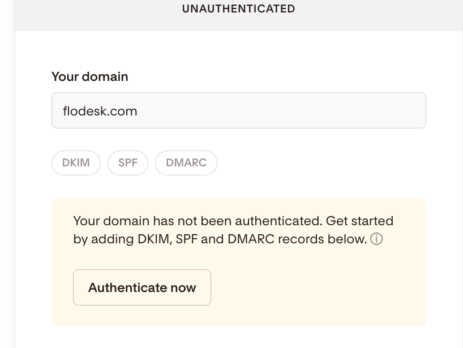
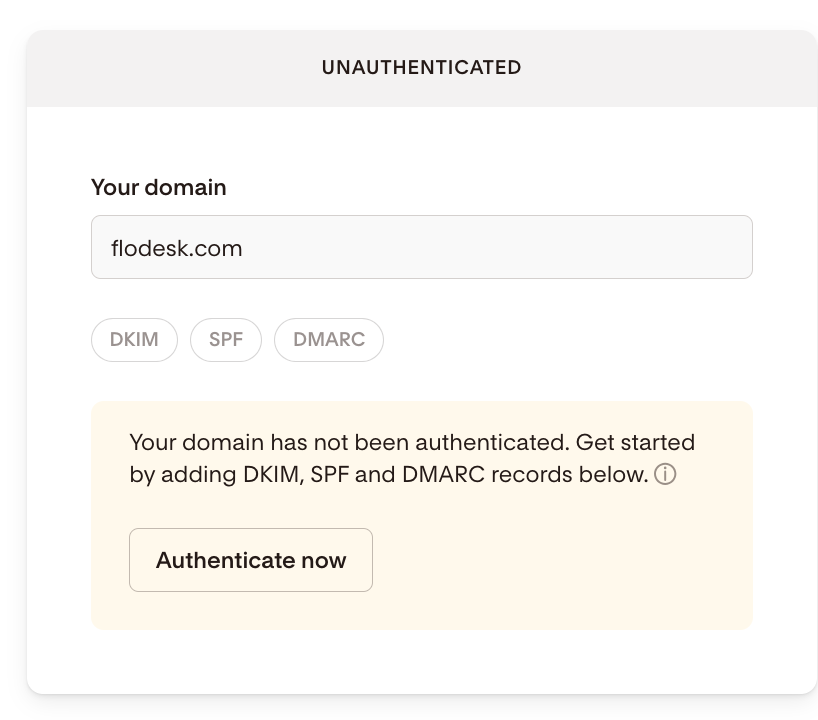
Step 2: Add Your Sending Domain
Enter the domain you use for email marketing.
Example:
yourbusiness.com
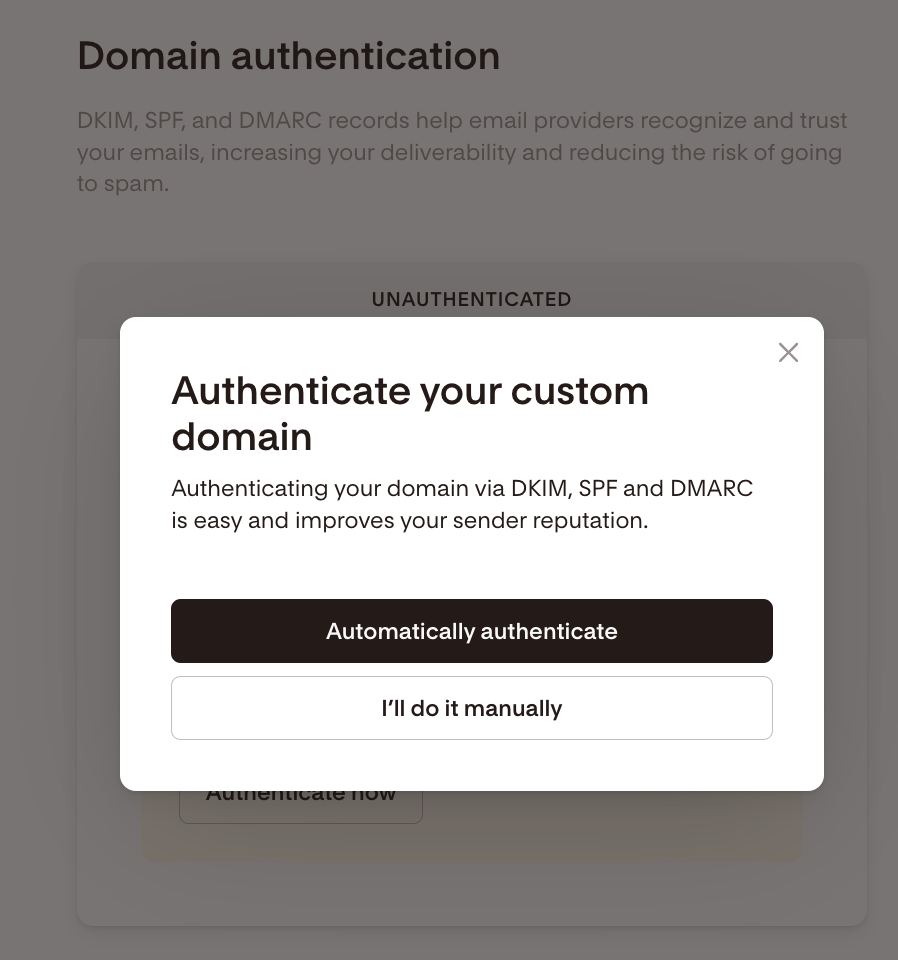
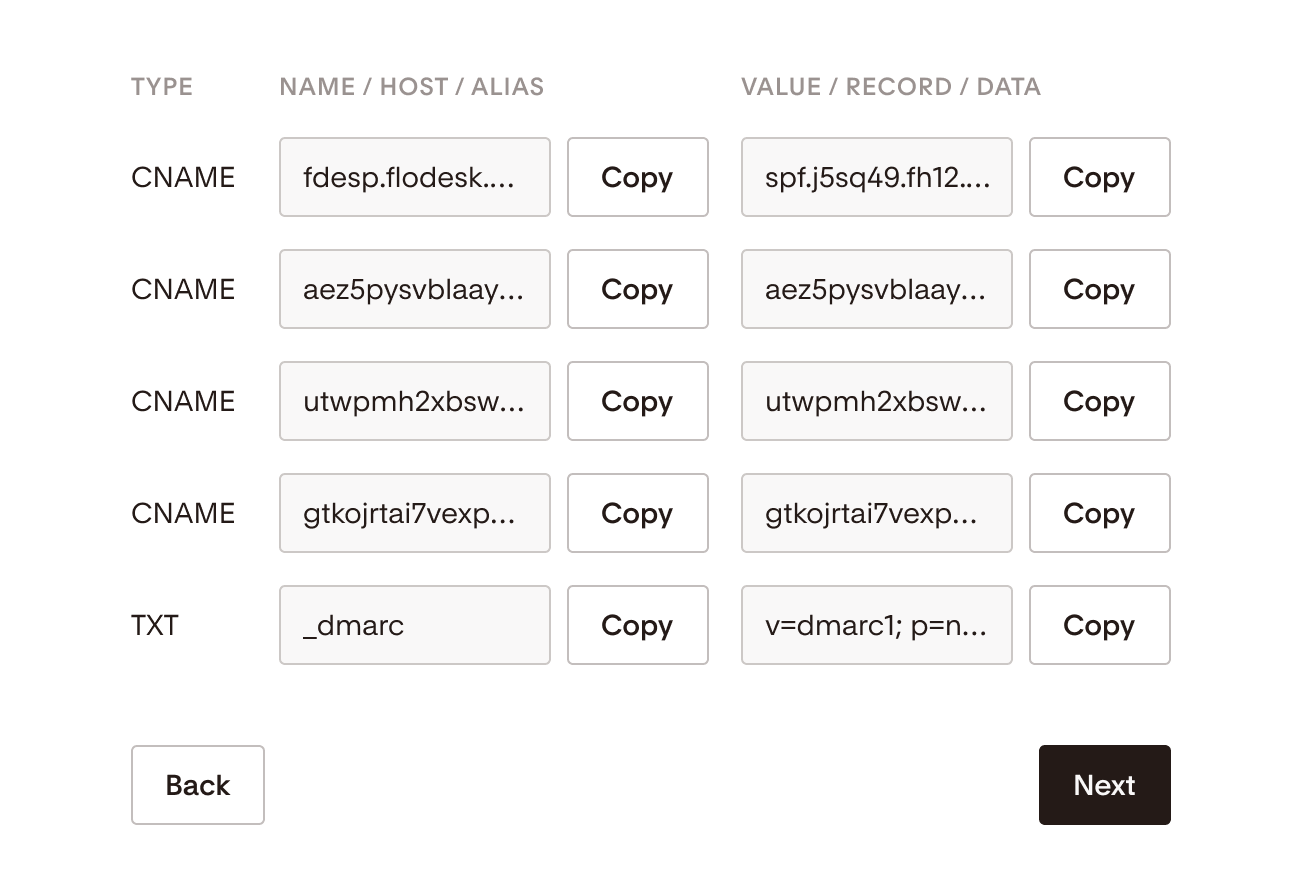
Step 3: Copy the DNS Records
Flodesk will generate several DNS records for you, usually including:
- SPF records
- DKIM records
- Sometimes DMARC recommendations
These records verify your domain ownership and authorization.
Step 4: Access Your Domain Registrar
Log into wherever your domain is hosted, such as:
Locate your DNS settings.
Step 5: Add the Records
Copy and paste the DNS records exactly as Flodesk provides them.
Be careful not to:
- Delete existing records accidentally
- Add extra spaces
- Duplicate SPF entries
Step 6: Verify the Connection
Return to Flodesk and click verify.
DNS updates can take anywhere from a few minutes to 48 hours, though they usually update much faster.
Common Mistakes to Avoid
Multiple SPF Records
You should typically only have one SPF record. Having multiple SPF records can actually break authentication.
Typos in DNS Entries
Even a small typo can prevent verification.
Forgetting DMARC
While optional for some businesses, DMARC adds another layer of protection and credibility.
Final Thoughts
Email marketing only works if your audience actually receives your emails.
Authenticating your domain helps:
- Improve deliverability
- Build trust with email providers
- Protect your business reputation
- Increase the effectiveness of your campaigns
It’s a small technical step that can make a major difference in your marketing performance.
If your business needs help setting up email marketing systems, improving deliverability, or creating engaging newsletters, Callan Group Communications can help guide the process from strategy to execution.
For futher help and images, please visit Flodesk’s help center.